

OrcaGPT AI Web app redesign
Overview
What is Orca GPT
“OrcaGPT” most likely refers to Orca, a 13-billion‑parameter language model trained to mimic the reasoning behavior of GPT‑4 (with chain‑of‑thought style explanations). It’s a lightweight model optimized for zero‑shot reasoning tasks using advanced imitation learning.
What I achieve
Goals & Objectives
“OrcaGPT” most likely refers to Orca, a 13-billion‑parameter language model trained to mimic the reasoning behavior of GPT‑4 (with chain‑of‑thought style explanations). It’s a lightweight model optimized for zero‑shot reasoning tasks using advanced imitation learning.
Enhance User Experience
Create an intuitive, seamless, and engaging
interface that improves user flow and task completion.
Modernize Visual Design
Refresh the UI with a clean, consistent, and
appealing look aligned with the OrcaGPT brand.
Increase User Engagement & Retention
Overview
Problem Statement
OrcaGPT’s existing interface lacked intuitive user flow, had a cluttered layout, and didn’t fully reflect the advanced capabilities of the AI system, leading to poor engagement and high bounce rates.
Deep User Understanding
Conduct user research to understand pain points, goals, and workflows.
Create personas and journey maps to align design decisions with real user needs.
Clear Information Architecture
Organize features logically with intuitive navigation.
Use progressive disclosure so users see only what’s relevant at each step.
Consistent Visual Language
Define a design system (colors, typography, components) that reflects the brand identity.
Keep spacing, alignment, and hierarchy consistent across all screens.
Deep User Understanding
Conduct user research to understand pain points, goals, and workflows.
Create personas and journey maps to align design decisions with real user needs.
Clear Information Architecture
Organize features logically with intuitive navigation.
Use progressive disclosure so users see only what’s relevant at each step.
Consistent Visual Language
Define a design system (colors, typography, components) that reflects the brand identity.
Keep spacing, alignment, and hierarchy consistent across all screens.
Overview
Problem Statement
My design process follows a Lean UX methodology that is comprised of 5 steps. The methodology provides business-oriented steps supported by the principles of transparency and the requirements for speed and scalability.

Research & Discovery
- Define user personas
- Competitor analysis
- User journey mapping for tasks
- Identify key pain points
- Competitive Analysis

Wireframing &
Prototyping
- Chat interaction with AI
- Task-based flows
- Prioritize quick iteration
- Interactive prototype
- Usability tests

Visual Design
- UI style
- Design for accessibility
- Design system
- Animation and Interaction

Developer Handoff
- Export Figma assets and tokens
- Component documentation
- Define design-to-dev interactions

Post-Launch Evaluation
- Monitor user behavior (heatmaps, session recordings)
- Collect feedback through in-app surveys
- Plan for iterative design updates based on usage trends
Research & Discovery
Wireframing &
Prototyping
Visual Design
Developer Handoff
Post-Launch Evaluation
Design Thinking
The Solution & Approach
“OrcaGPT” most likely refers to Orca, a 13-billion‑parameter language model trained to mimic the reasoning behavior of GPT‑4 (with chain‑of‑thought style explanations). It’s a lightweight model optimized for zero‑shot reasoning tasks using advanced imitation learning.
Deep User Understanding
Conduct user research to understand pain points, goals, and workflows.
Create personas and journey maps to align design decisions with real user needs.
Clear Information Architecture
Organize features logically with intuitive navigation.
Use progressive disclosure so users see only what’s relevant at each step.
Consistent Visual Language
Define a design system (colors, typography, components) that reflects the brand identity.
Keep spacing, alignment, and hierarchy consistent across all screens.
Focus on Usability
Ensure clear affordances (buttons look clickable, inputs look editable).
Maintain WCAG accessibility standards for color contrast, text size, and keyboard navigation.
Smooth Interaction & Feedback
Use micro-interactions for hover states, loading animations, and confirmations.
Provide instant feedback for user actions to make the product feel responsive.
Continuous Validation
Test designs with real users early and often.
Iterate based on analytics and feedback, not assumptions.
UI Improvements (Look & Feel)
Improvements
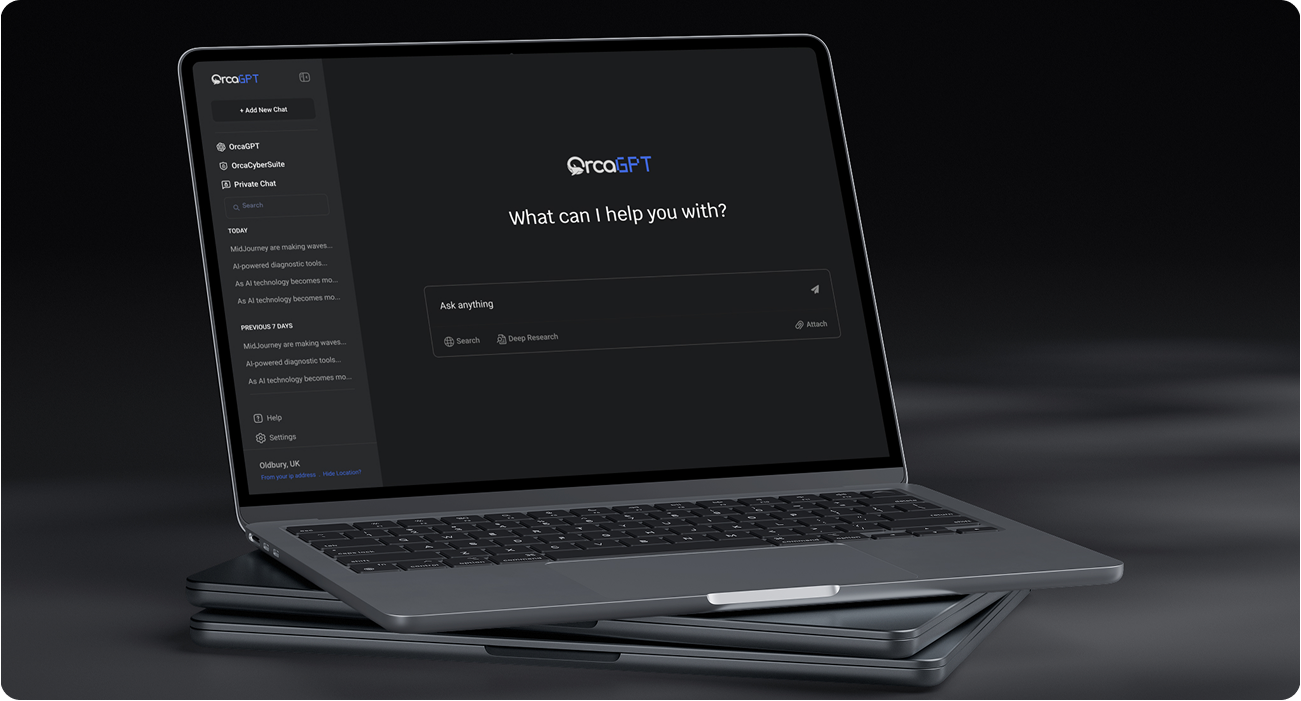
For your OrcaGPT web app redesign as a UI/UX designer, i approach improvements in three key layers — UI polish, UX flow, and product usability.
Modern Visual Language
Use a clean, minimal layout with consistent spacing, grid alignment, and balanced white space.
Color System
Refine primary and secondary colors for better contrast and accessibility (AA/AAA compliance).
Color System
Refine primary and secondary colors for better contrast and accessibility (AA/AAA compliance).
Results & Outcomes
%
of users completed onboarding without external support
%
Increased task completion rate:
%
preferred the new interface over the previous version
Recent Works
Selected Projects
Explore my selected projects, showcasing my dedication to innovative and heartfelt design.
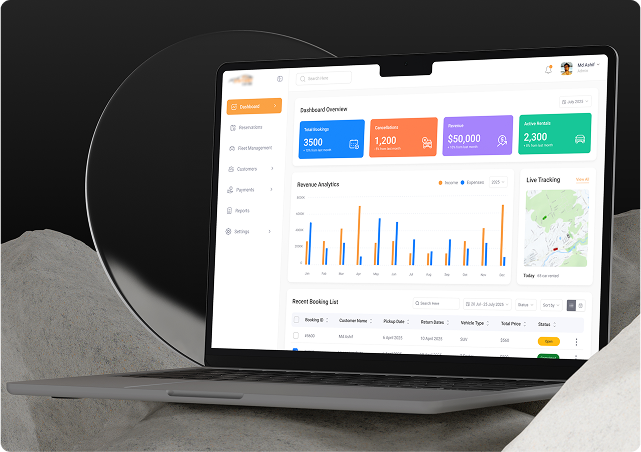
Car booking and management web app UI UX redesign
My goal was to design a clean, efficient, and user-friendly interface that allows administrators to easily manage bookings, vehicles, users, and schedules. I focused on creating intuitive dashboards, streamlined workflows, and real-time data visibility to support fast decision-making and operational control
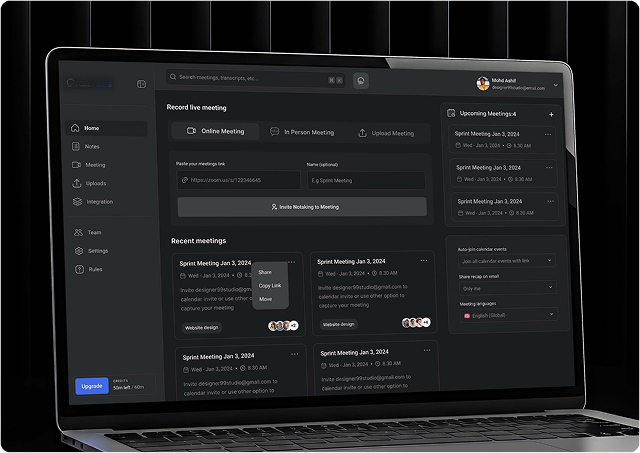
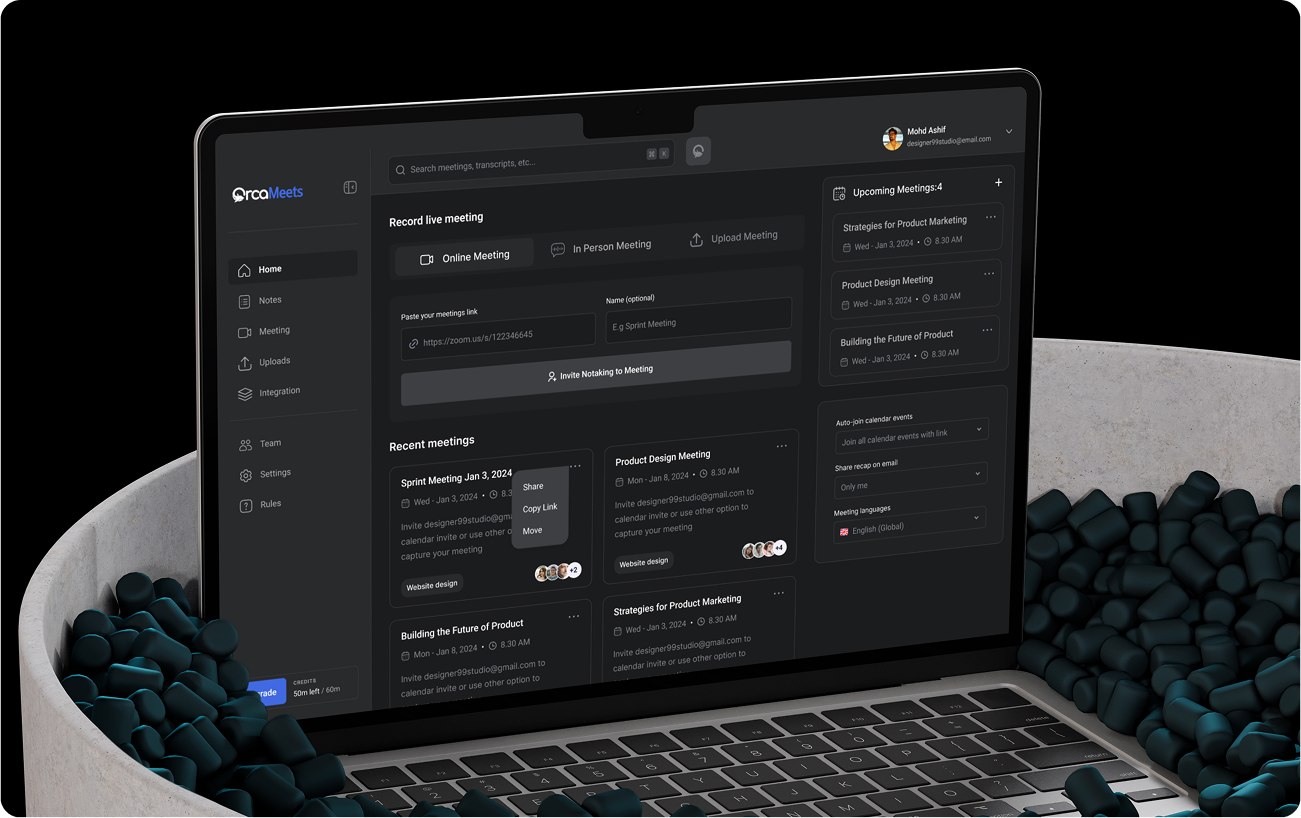
SaaS Product Design for AI-powered meeting assistant
Project Goal: Make meetings more meaningful, productive, and secure not just for individuals, but for teams at scale.